
How Niles Arrest Records Travel
Start with the right custodian. Niles Police Department keeps the incident reports its officers write. When an adult lands at the Trumbull County Adult Justice Center, the Sheriff's Office takes over the booking record. That handoff explains why a Niles arrest search usually ends at the county PublicView roster rather than a city photo page. Not every arrest reaches the jail. Some people are cited and released. Others are transferred, sent for medical processing, handled as juveniles, or let go outright. So an empty roster result proves little. It only means the jail's current or historic search found no matching county entry at that moment. Read each document in its own lane: the police report, the booking record, and the court docket. The Sheriff splits its roster into current and historic scopes. A current result shows county jail status as the system presents it. A historic hit may surface an old booking entry, but it says nothing about where someone sits now or how a case ended. PublicView listings vary by entry. Depending on the record, you may see a booking ID, status, booking date, arresting agency, release details, charges, bond, court name, and case number. Treat any blank field as missing data, not a conclusion.
Where Are Niles Busted Mugshots Published?
No official Niles daily arrest log turned up. There is no public booking list on the city side. No person-level arrest feed either, and no booking-photo feed. The official channels listed here serve different purposes, and they come first for a reason. Private sites and news stories can go stale, leave gaps, or miss what a court did later. A booking photo appears inside a PublicView record only when the jail system supplies one.
| Channel | What it covers | Appropriate use |
|---|---|---|
| Niles Police Department | City agency and city-created reports | Use the department or Law Department route for a Niles report request. |
| Sheriff PublicView | Current and historic county jail records; photo where present | Check when a Niles arrestee may have entered county custody. |
| Sheriff weekly blotter | Weekly incidents and events | Use as county incident context, not as an arrest or booking-photo list. |
| Trumbull Clerk search | Filed Common Pleas matters and later docket entries | Use a case number or party name to follow action after filing. |
| Tribune Chronicle police blotters | Private local reporting that can include Niles items | Use only for context. It does not verify jail custody or a case outcome. |
Niles has no official booking feed for a single day or a stretch of days. The Sheriff roster is searchable. Nothing describes it as a fixed time-window feed, though. The weekly blotter adds incident context, but it can't confirm that any event ended in a particular booking.
Search a Niles County Booking
PublicView splits searches into current and historic scopes. If the question is a recent jail admission, search current custody first. Historic covers possible past jail records, not present confinement or case outcomes. Enter a known first and last name before layering on filters like age, status, race, or gender. Those fields narrow a search. They do not prove identity.
- Start at the Sheriff’s official inmate-search page, then open PublicView.
- Enter the most stable known name details and select Current Inmates. If necessary, repeat with Historic Inmates for an older county booking question.
- Read the booking date and status before drawing any custody conclusion. A record can show an arresting agency, booking ID, charge text, bond, release information, court name, and case number.
- Keep the booking ID for a Sheriff request and the case number for the court search. They are different identifiers with different uses.
- Use the Niles city request channel for a police-created document. Ask the Sheriff for a county booking record or booking photo, if releasable.
PublicView can display a booking image when one exists, but the county promises no photo for every entry, no posting deadline, and no fixed removal date after release. A missing photograph means just that. Nothing more. A recorded release settles nothing about the charge itself. Bookings and releases run on no posted clock. The Sheriff's Inmate FAQ notes that releases happen around the clock, with paperwork, workload, and scheduling all affecting book-out timing. No official source gives a time when a Niles booking or image will show up. Results shift as custody changes, and a missing entry should not decide what happened in the reported incident.
Niles Police and Law Records
Niles handles public records citywide through its Law Department. Two documented starting points exist. One is the public-record request form. The other is the Law Department page. Give the City what it needs to find a Niles-created record: the report type, a name, an approximate date, a location, or a report number if you have one. Just remember, this city channel has no control over a Sheriff booking photograph.
Niles Law Department
34 West State Street
Niles, OH 44446
law@thecityofniles.com
330-544-9000 ext. 5415
Niles Police Department: 15 East State Street, Niles, OH 44446, 330-652-9944
The City's Public Records Policy aims to acknowledge or fulfill requests within three business days. Actual timing varies. It depends on a request's scope, storage, review, and redaction needs. That makes the three-day window a goal, not a guarantee for every request.
| Niles records item | Listed charge |
|---|---|
| Paper copy | $0.10 per page |
| CD | $1.00 |
| Postage and supplies | Actual cost |
| Email delivery | No charge |
Niles fees stop at the city line. A county booking request goes elsewhere. Use the Sheriff's NextRequest portal or its Records Section instead. No published flat fee or fixed turnaround exists for a booking photo from the Sheriff.
A strong city request names the record sought. List the date, location, people, case number, or report number you know. Don't assume an outcome. Ohio public-records law allows inspection and copies, subject to statutory exceptions and redaction. If the City releases only part of a record, ask the custodian which authority applies. That review stays separate from whatever the Sheriff decides about a county booking record.
Niles Busted Searches Lack a Feed
Niles publishes useful material, just not a busted-mugshot feed. The city keeps an annual police-report archive covering 2018 through 2025. Those reports track citywide trends over time. They won't surface an individual arrest, a booking, or a photo, since the data is bundled into yearly summaries rather than tied to names. That's the gap a searcher hits.
So treat any City News or police-post label with caution. Nothing there amounts to a working public booking roster. The reliable path is the city's records request through the Law Department, and the county roster only if a jail stay seems likely. The Niles Police Department official page is the agency's home base for that route.
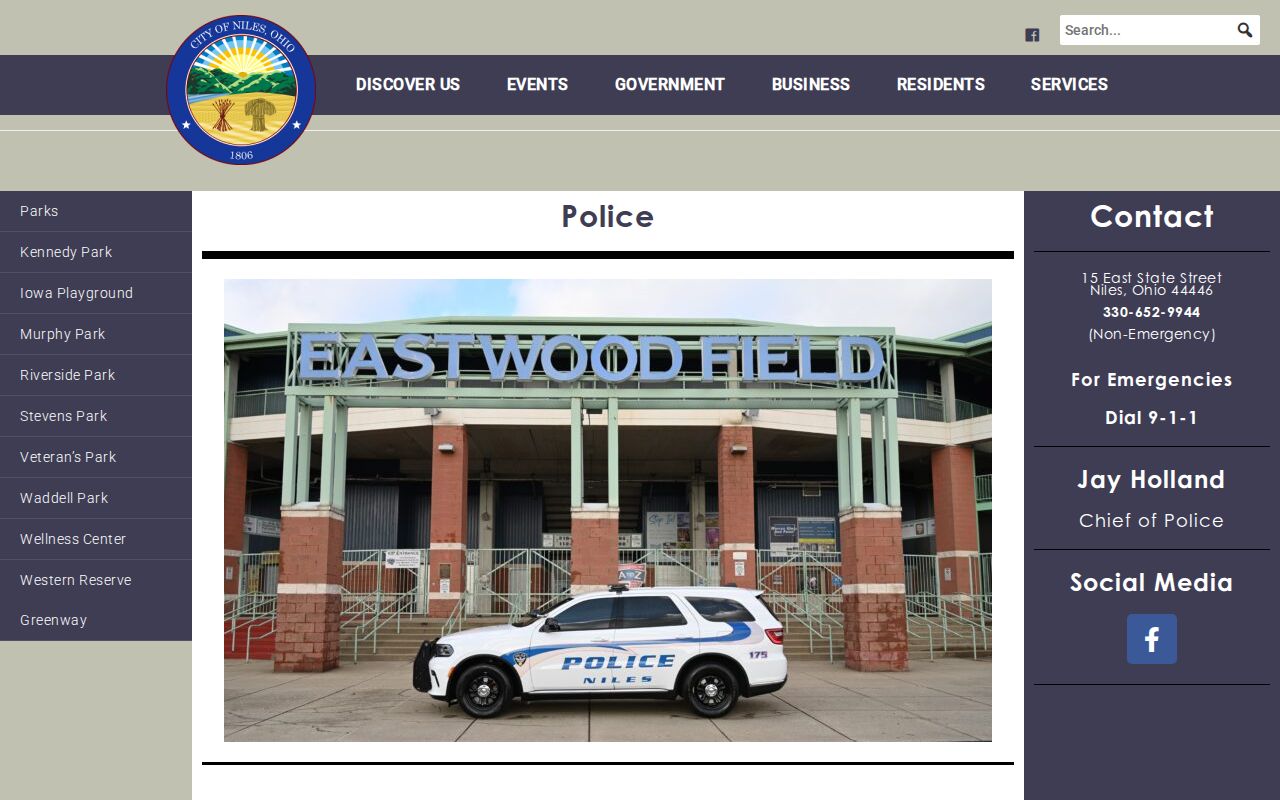
The police page's real value is contact and records requests. There's no gallery and no city booking roster on it. Any live custody question still belongs to the Trumbull County Sheriff, whose PublicView roster covers actual jail admissions.
Niles Court Records After Arrest
A booking entry tells you where a case might land, not how it ends. Dockets move after intake: arraignment, amendments, dismissals, pleas, trial results, sentencing. Go by the booked charge until a court record shows otherwise, and lean on the case number. When PublicView displays one, it becomes the strongest bridge from the county entry to the docket.
Start court research in the right place. Common Pleas cases run through the Trumbull County Clerk public access search, while Central District Court records sit in CaseLook. The courts themselves warn that online displays can lag a day or more, so call or visit when you need confirmed information.
Niles Busted Archive Research
A current roster answers today's question. An archive answers history's. The Trumbull County Records Center & Archives holds historic criminal dockets, record books, microfilm, and case files from defined periods, which makes it the stop for older court research once you know the court and custodian. It can't substitute for the Sheriff, though, on a modern jail booking or booking photograph.
State-level history lives elsewhere. The Ohio Incarceration Record Index covers Ohio Penitentiary and Ohio Reformatory admissions from 1888 through 1923, drawing on Bertillon cards. That's prison research, not a Niles arrest, present custody, or a Trumbull County jail record. Matching the record's age and source to the right custodian keeps the whole search accurate.
Niles News and Busted Claims
News fills in what rosters can't. The Tribune Chronicle's police blotter carries recurring Niles reports, and 21 WFMJ covers county cases that make headlines. A story might describe a warrant service, an arrest, a filing, or a later court hearing. Just know that the picture beside it isn't necessarily a booking photo.
Private county pages deserve equal skepticism. A Niles label or filter doesn't guarantee depth; coverage can be stale, thin, or silent on later court action. The dependable sequence stays the same: official Niles records, Sheriff PublicView for a real county booking, then the court docket. Wider coverage is gathered under Crime News & Mugshots.
Note: Check the displayed date, custody scope, and court source before treating any entry as current.